




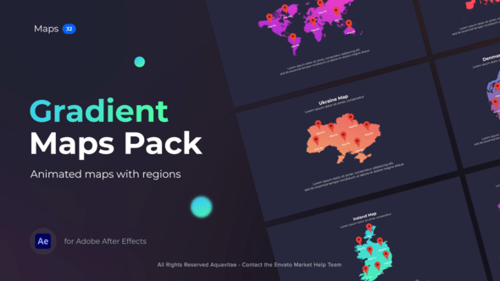
Gradient Maps
By Aquavitae- File Size
- 493 MB
- Application Supported
- After Effects
- Required Plugin
- None required
- After Effects Version
- CC
- Commercial License
- Further Information
Description
Need to create gradient maps with pins using Adobe After Effects in a short time? Welcome to Gradient Maps.
This item is a part of the bigger infographics package — Gradi - Gradient Infographics.
Note: This package works with Adobe After Effects CC 2020 and higher versions.
What’s inside?
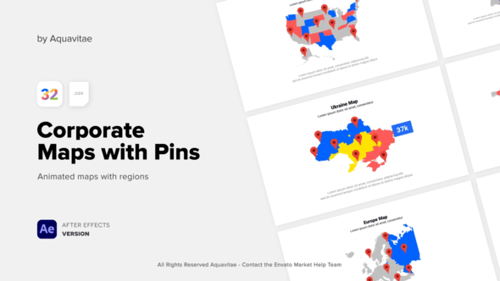
Inside you'll find a 32 map templates with pin and other elements, that can be fully customized. Change the data, colors, sizes, fonts, duration and much more.
List of countries:
- Africa
- Asia
- Australia
- Austria
- Belgium
- Brazil
- Canada
- China
- Denmark
- Europe
- Finland
- France
- Germany
- Ireland
- Italy
- Kazakhstan
- Mexico
- Middle East
- Netherlands
- Paraguay
- Poland
- Portugal
- Russia
- South America
- South Korea
- Spain
- Sweden
- Switzerland
- Ukraine
- United Kingdom
- USA
- World Map
Technical Features:
● Unlimited pins or marks copies
● Works with Adobe After Effects CC 2020 and higher versions
● Resizable resolution, easy to change the size of elements without loosing quality
● Settings tab allows you to customize elements easily and fast
● Drag & Drop elements on the timeline and customize inside your project
● Customize the duration of elements right on the timeline panel
● You can use this elements with photo or video on the background, alpha channel is supported
● Works with any language software
● Step by step video tutorial included
● Free font link included
● No extra plugins needed
Music Fugu_Vibes - Timelapse isn't included.
Audio used in this item





Gradient Maps by Aquavitae